> For the complete documentation index, see [llms.txt](https://faq.declarecripto.com.br/llms.txt). Markdown versions of documentation pages are available by appending `.md` to page URLs; this page is available as [Markdown](https://faq.declarecripto.com.br/tutoriais-sobre-extracao-de-dados-e-criptomoedas/corretoras-api-e-extratos/mercado-bitcoin/como-emitir-meu-historico-de-transacoes-na-mercado-bitcoin.md).
# Como emitir meu histórico de transações na Mercado Bitcoin?
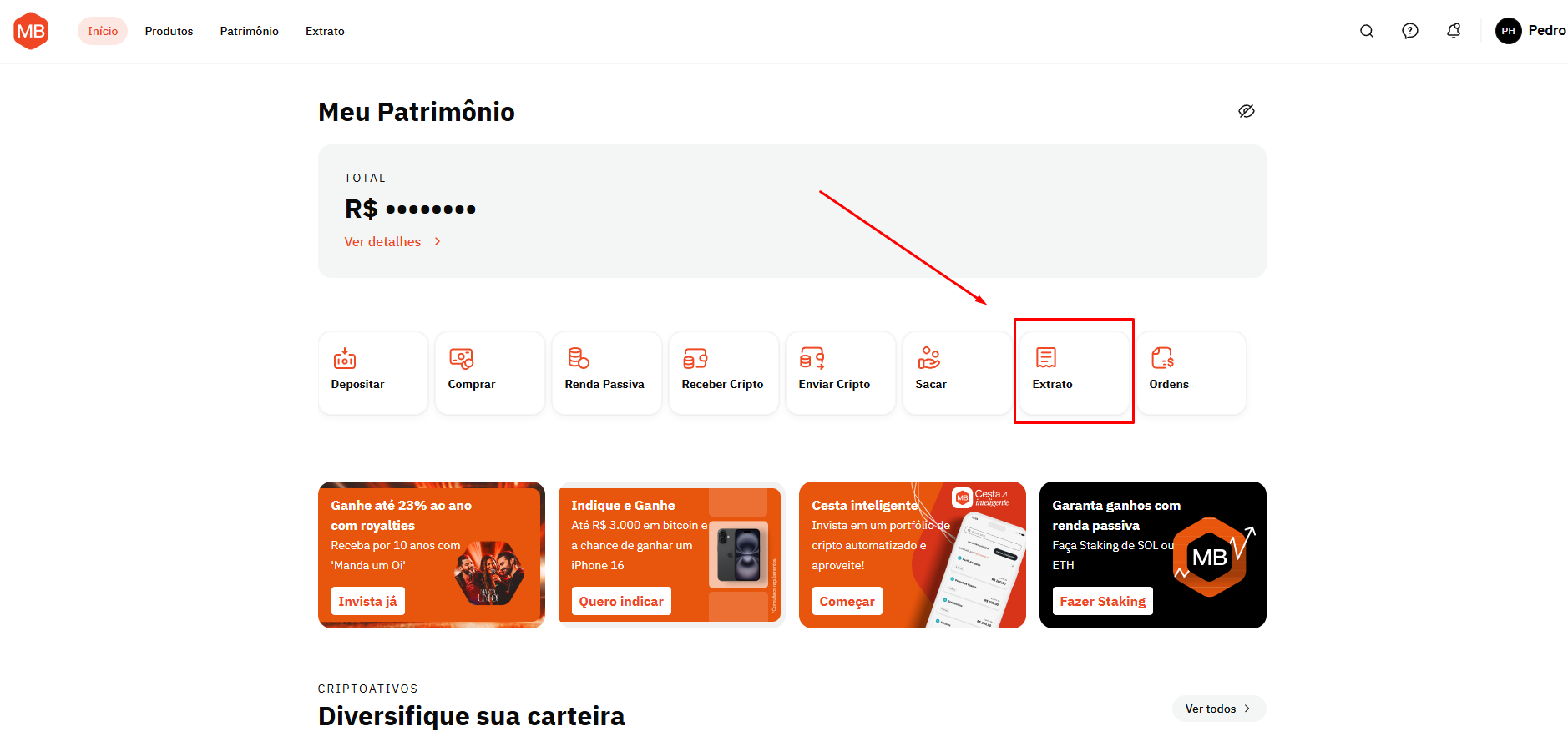
1. Faça login em sua conta da Mercado Bitcoin, e clique em **\[Extrato]**.
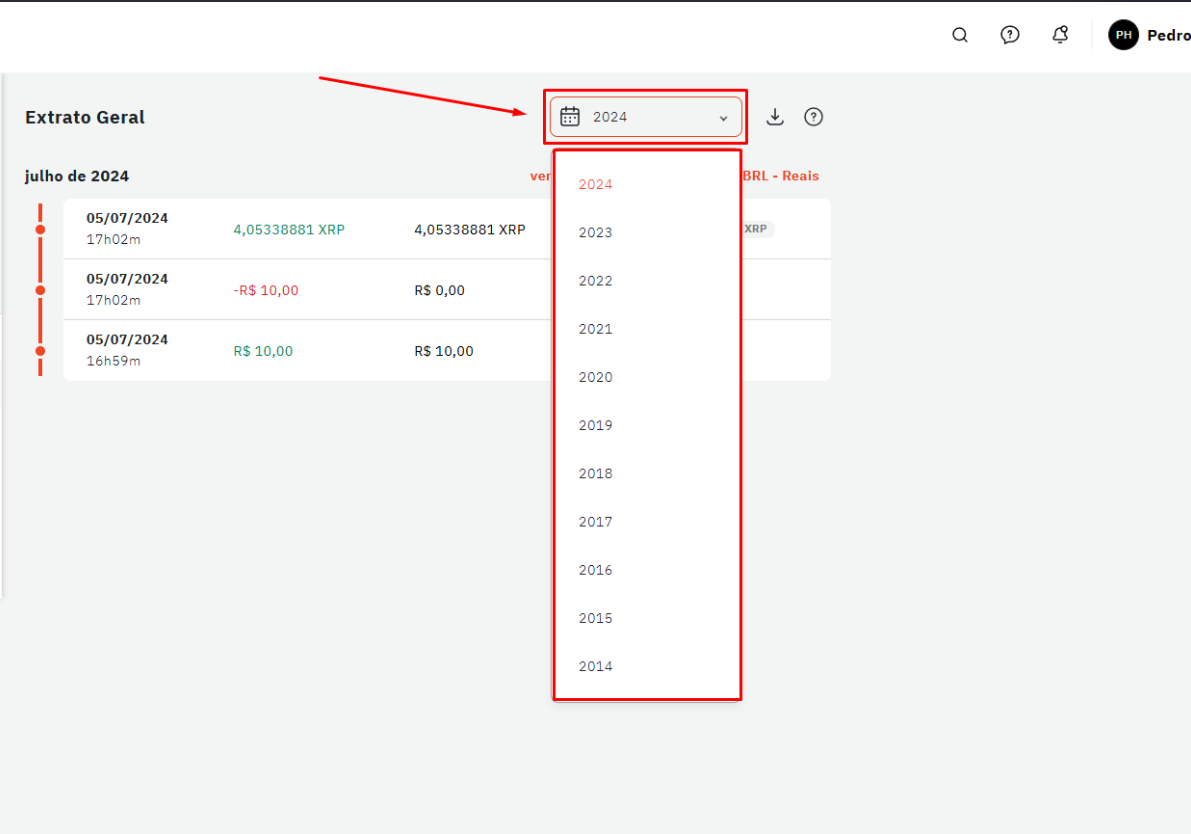
2. Verifique se está na opção "Extrato Geral" com todas as moedas, e em seguida escolha o ano que deseja baixar seu extrato.\
**IMPORTANTE: Não envie extratos separados por moeda, pois apesar do formato do arquivo ser o mesmo, será aceito pelo sistema, mas o cálculo resultante estará incorreto.**
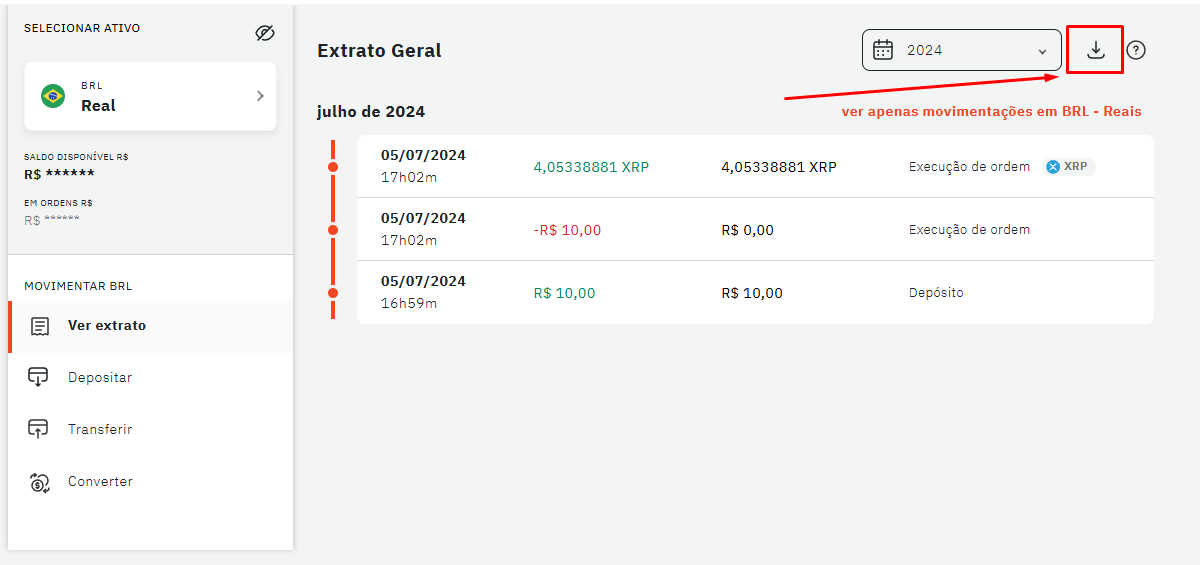
3. Depois de selecionar o ano desejado, cliquei no botão de **\[Download].**
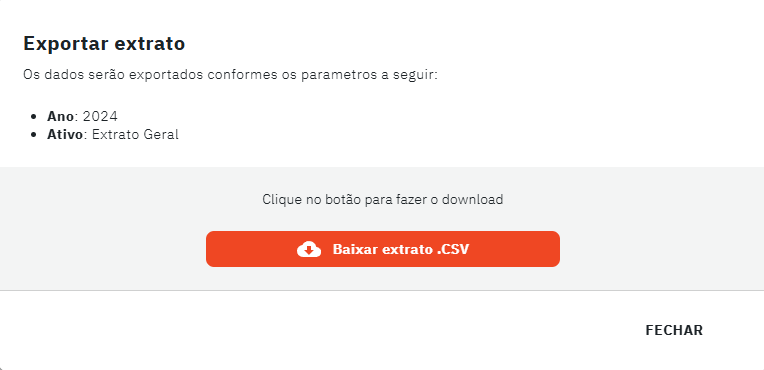
4. Por último, é só clicar em **\[Baixar extrato .CSV]** e pronto!\
Seu extrato deve ter o nome **"mercadobitcoin\_geral\_*****ANOEXTRATO*****\_*****DATA*****\_*****HORA.csv*****"**
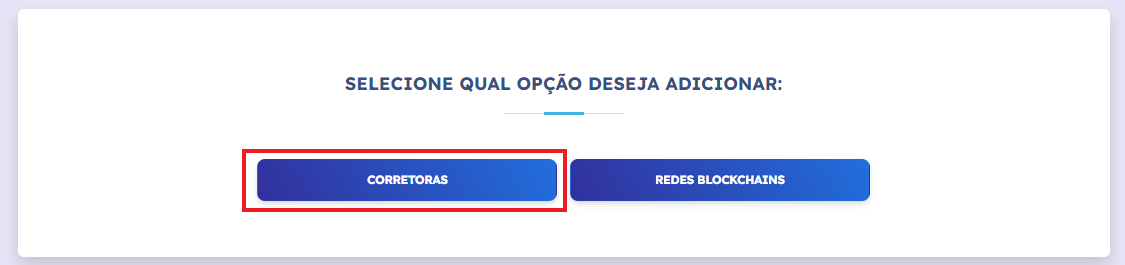
5. Entre na sua conta da plataforma Declare Cripto, e selecione as seções **\[Minhas Carteiras] - \[Corretoras]**.
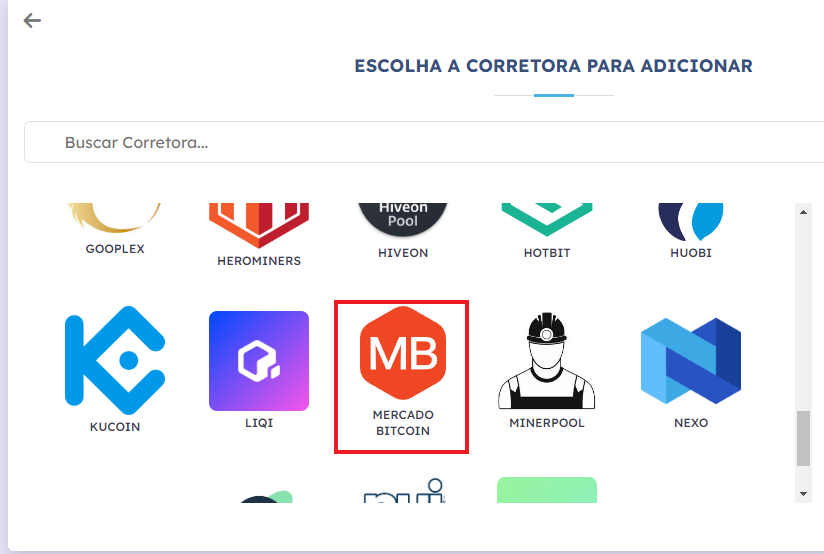
6. Selecione a corretora **\[Mercado Bitcoin]**.
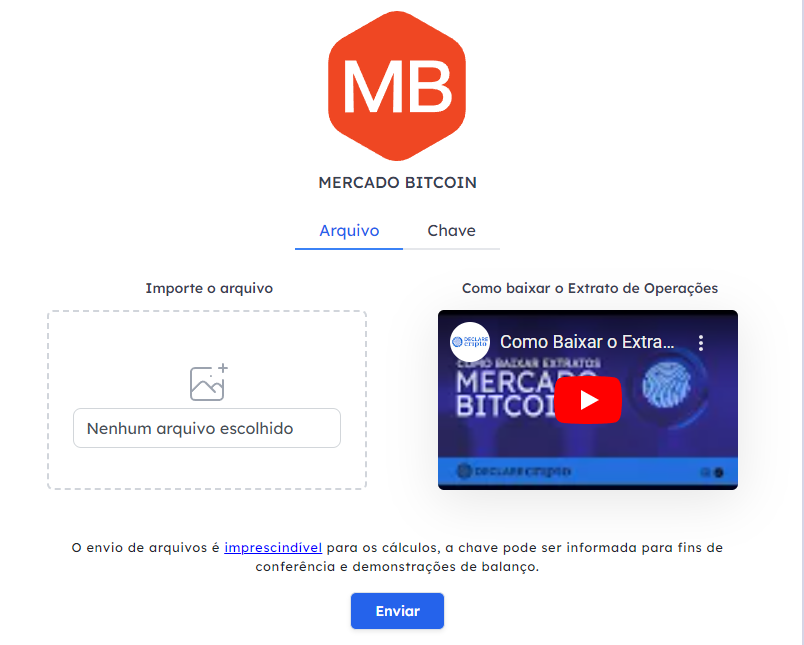
7. Envie os arquivos .CSV na aba **\[Arquivo]**.